Systems integration: how to connect your company's software and eliminate duplicate tasks
The sales team records a new customer in the CRM. The administrative team types the same details again into the invoicing software. Later, someone exports a spreadsheet to update the status of orders. Each tool does its job, but the process depends on people carrying information from one place to another.
This is one of the clearest signs that a company could benefit from systems integration. The problem is not having too much software, nor having to replace every application: often, all that is missing is a reliable way for the tools to communicate.
In this article, we explain how to identify the friction points, what options exist for connecting systems and when it makes sense to turn to custom software development.
What is systems integration?
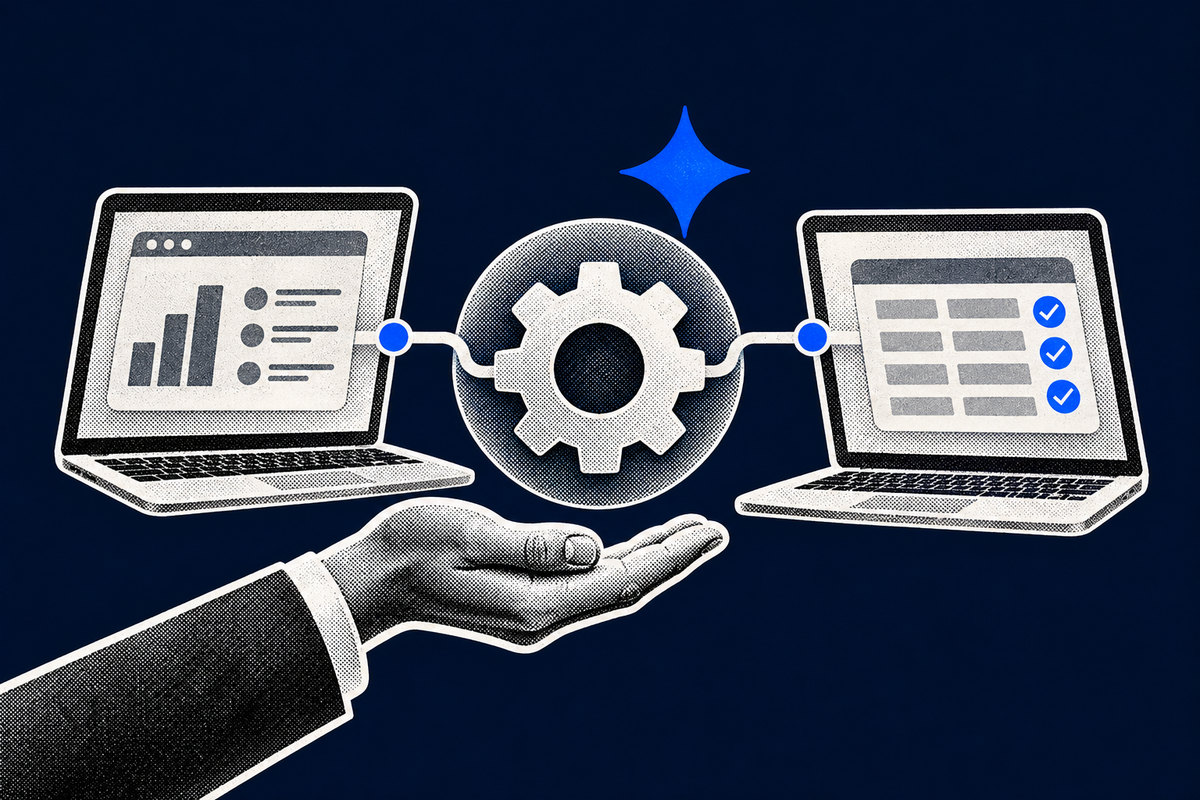
Enterprise systems integration means connecting applications, databases or platforms so that information flows between them according to defined rules, without relying continuously on manual entry.
Imagine a service company that receives requests through its website. The form creates the contact in the CRM, the system assigns the request to the person responsible, the accepted quote prepares the invoicing data and the payment confirmation notifies the sales team. Without integration, each of these steps is a manual copy.
Integrating does not mean bringing everything together in a single program: it means getting the right tools to share the right data, at the right time.
Five signs that your company's software is not well integrated
1. The same information is entered several times
Names, addresses and amounts are copied between applications, and each repetition costs time and creates an opportunity for error.
2. Excel works as a bridge between systems
The problem arises when the spreadsheet becomes indispensable for carrying data between the CRM, the ERP (the management software), the online shop and invoicing.
3. Teams work with different versions of the same data
Sales sees one order status, operations sees another and administration has a third, and trust in the information is lost.
4. Customers wait for invisible internal tasks
The customer sees the delay of a quote or a stalled request, but not the manual handover that caused it.
5. Operations depend on one person who "knows where everything is"
When only one employee knows the exports and the steps of a process, the company creates an operational dependency that is hard to scale.
How to connect systems: four possible paths
The best solution depends on the existing software, the complexity of the rules and the volume of operations.
Solution | When it makes sense | Main caution |
|---|---|---|
Native integration | The platforms already have an official connection | Confirm what it really supports |
Automation platform | Simple flows between compatible applications | Usage-based costs, limits and error handling |
Custom API integration | There are specific rules or several systems involved | Maintenance, security and monitoring |
Scheduled file exchange | Older systems without a suitable API | Delays, formats, duplicates and import failures |
In many cases, native integration is enough. In others, an automation solves the problem without complex development. Custom software becomes relevant when the available options do not keep up with the company's real process.
Whichever path you choose, also ask who ends up with the code, the accounts and the documentation. An integration that only its builder can maintain creates a new dependency instead of solving the old one.
Integrate or replace the existing software?
Before investing in a new platform, it is worth answering three questions:
- Does the current software do its job well? If so, it makes more sense to integrate it than to replace it.
- Is the problem in how information is passed on, or in the system itself? An integration does not fix an unsuitable program.
- Are the company's rules specific enough to justify in-house development? If the process is common, an existing solution is usually cheaper.
The decision should start with the process that is failing and the cost of that problem, not with the technology.
How much does it cost not to integrate your systems?
Duplicate work looks small because it is spread across several people. To give it a size, calculate the time it consumes.
Illustrative example:
- 3 employees spend, on average, 25 minutes a day copying or checking data between applications.
- Assuming 22 working days a month, that is 27.5 hours a month.
- With an estimated internal cost of €18 per hour, the effort represents €495 a month, or €5,940 a year.
6 steps to start a systems integration project
Step 1 - Map one complete process
Choose a concrete journey, such as "request received → quote accepted → invoicing", and identify where data is copied or confirmed by hand.
Step 2 - Identify the official source for each piece of data
Define where each piece of information is created and updated: for example, the CRM for commercial status and the invoicing software for tax documents.
Step 3 - Check the technical possibilities
Confirm whether native integrations, APIs, webhooks (automatic notifications between applications) or structured exports exist, and assess permissions, contractual limits and data protection.
Step 4 - Choose a first flow with a measurable impact
Start with a frequent process with clear rules, and record the time spent and the errors before intervening.
Step 5 - Prepare for exceptions and maintenance
Anticipate incomplete data, temporary failures and changes to the platforms, and define who receives the alert and how to correct a record without duplicates.
Step 6 - Measure the result
Compare hours of manual work, corrections, processing time and data quality, and only then decide whether to extend the integration to other processes.
Common mistakes to avoid
Synchronising everything without need. The more data is shared, the greater the complexity.
Automating a poorly defined process or data. If two teams use different rules, or there are duplicate records, connecting the systems only makes the error faster.
Not planning for failures. An integration needs execution logs, alerts and safe ways to repeat operations.
Overlooking security and GDPR. Access should be limited to what is necessary, with proper authentication and responsible handling of personal data.
Frequently asked questions
Is it possible to integrate a CRM with an ERP?
Yes, as long as compatible technical mechanisms and appropriate permissions exist. It can cover contacts, opportunities, orders or invoicing statuses.
Do I need to replace the programs the company already uses?
Not necessarily. When the systems do their jobs well, integrating them is usually more efficient than replacing them. Replacement is only justified if the limitations of the software itself prevent the intended process.
Does an integration eliminate all manual tasks?
No. Some decisions, approvals and checks should still be carried out by people. A good integration reduces repetition and makes reliable information available when it is needed.
How can I tell whether the integration pays off financially?
Measure the time spent on manual transfers, the errors, the delays and the cost of maintaining the solution, and compare them with the initial investment and the expected maintenance, over a realistic horizon.
Can Norde help connect the systems my company already uses?
Yes. We start by identifying where information stops flowing and recommend the simplest, most sustainable solution: a native integration, an automation or, when justified, custom software. We do not propose replacing tools that already work.
How can Norde help your company?
Your company may not need more software, but software that communicates. When applications do not share information, growth tends to bring more administrative tasks, more checks and more opportunities for error. Systems integration can reduce that friction without forcing you to replace tools that already work.
The first step is to identify where information stops flowing and decide which is the simplest and most sustainable solution to fix that point.
At Norde, we help you take that first step: we start from the process, not the technology, and propose the simplest solution, whether a native integration, an automation or, when it is justified, custom software.
If your company's software does not talk to each other, get in touch. We reply within 24 hours, with no obligation. There are no lock-in contracts or exit penalties, and accounts, data and systems stay with you.
Are your company's systems creating unnecessary work?
We analyse your processes and tools and show you where to start.