Process automation: how to reduce repetitive tasks and free up your team's time
Does your team copy data, send alerts and update spreadsheets every day? These tasks seem small, but they interrupt work and increase the chance of errors.
Process automation makes it possible to carry out certain actions consistently, with less manual intervention. The goal is not to automate everything: it is to free up time for activities that call for analysis, decisions and human contact.
What is process automation in a company?
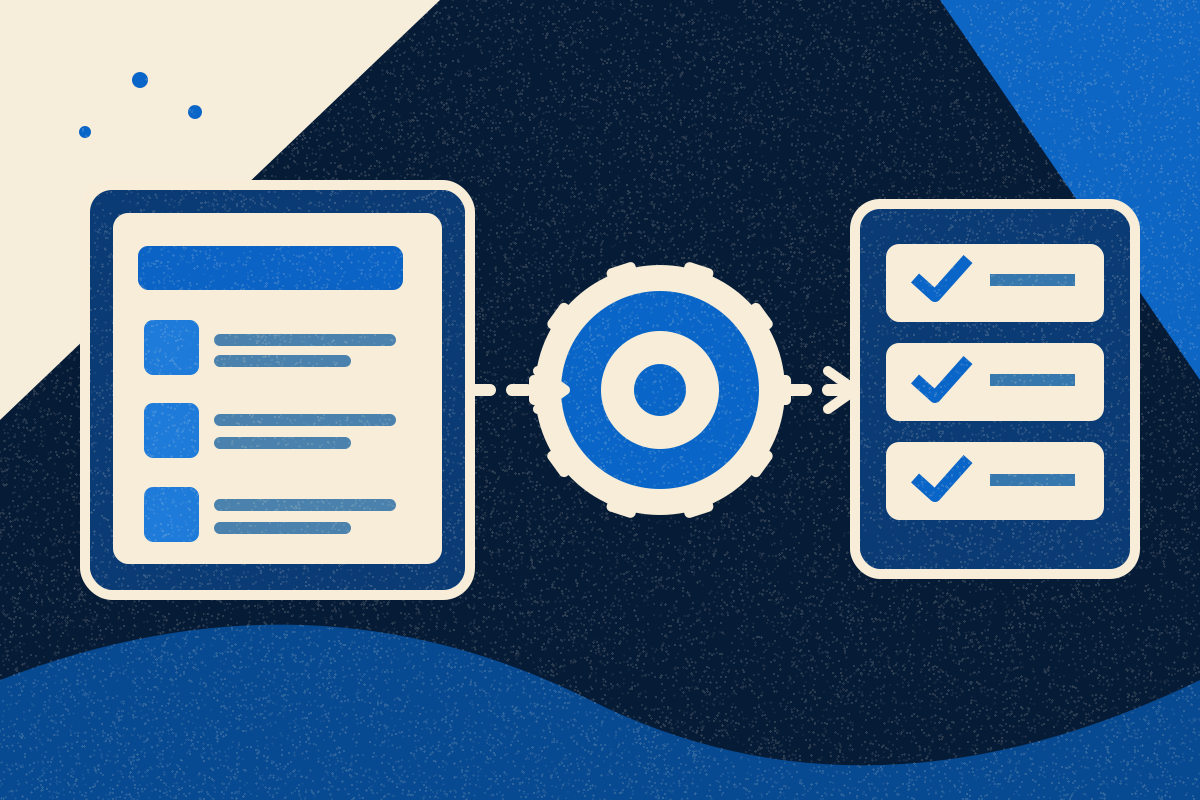
It is the use of rules and tools to carry out repetitive steps of a process. For example, when a quote request arrives, the system can record it, assign an owner and send a confirmation to the customer.
An automation does not need artificial intelligence. Many tasks follow simple conditions: "if this happens, do that". AI is only useful when there is a need to interpret less structured information, and even then it may require human validation.
Which repetitive tasks are worth automating?
Start with tasks that are frequent, predictable and have clear rules. The best candidate is not necessarily the most complex one, but the one that consumes time without adding proportional value.
Recording and distributing requests
When a customer fills in a form, the data can go to a shared list or to a CRM, a customer relationship management system. The sales team receives an alert and knows who should reply.
Issuing documents and updating data
Information that has already been validated can feed documents, internal reports or order records. The advantage is reducing the repeated entry of the same data and the differences between versions.
Alerts, approvals and follow-up
You can create reminders for proposals without a reply, deadline alerts and approval requests. The person responsible still decides; the automation makes sure the task reaches the right person.
How do you find out where the team is losing time?
Observe a normal working week and record the tasks that repeat. Ask the people who carry out the process to describe the exceptions, not just the ideal scenario.
Identify the frequency and the effort
Note how often the task occurs, how long it takes and how many people are involved.
Check the risk of error
Copy-and-paste tasks, resending information or updating several systems deserve attention. Also assess the consequences of a failure: a forgotten internal alert does not necessarily have the same impact as an incorrectly issued invoice.
Confirm whether the rules are stable
If every case requires a different interpretation, there may not yet be a process suited to automation. It may be more useful to create a clear form, remove an unnecessary approval or define responsibilities.
Observed situation | First intervention to consider |
|---|---|
Data copied between applications | Simple integration or automatic import |
Requests forgotten in email | Central record and assignment of an owner |
Approvals without criteria | Define rules before automating |
Reports assembled manually | Use reports and exports that are already available |
Frequent, complex exceptions | Keep human review and improve the process |
How much time can an automation really save?
The saving depends on the volume of work, the exceptions and the maintenance needed. So estimate the benefit with your own company's data, instead of assuming a universal percentage.
Illustrative example
Imagine that three employees carry out, together, 60 records per week, each with 5 minutes of manual work. That is 300 minutes, or 5 hours a week.
If automation reduces the manual work to 1 minute per record, it becomes 60 minutes a week. The estimated difference is 4 hours a week, before deducting checks, maintenance and error handling.
This calculation is not a promise of savings. Nor does it mean that four freed-up hours automatically turn into cost reductions: they may translate into greater capacity to respond, as long as the work is reorganised.
How do you implement it without creating new problems?
Choose a limited process, define the expected result and test it with real cases. Only then consider extending the automation to other teams or systems.
Start with the tools you already use
Check whether your invoicing software, forms platform or CRM already include automatic rules. An existing feature may solve the problem with less cost and maintenance.
When you need to connect applications, assess whether a supported integration exists. An API, or application programming interface, allows information to be exchanged between systems; but that connection needs clear rules and monitoring.
Define who monitors the errors
An automation can fail because of incomplete data or changes in a program. Set up alerts, an owner and a way to recover tasks.
Protect the data and keep human control
Limit access to information to what is necessary and respect data protection obligations. In financial or contractual processes, or those with a significant impact on the customer, keep approval steps where it makes sense.
Process Automation should adapt to the company's responsibilities, not remove them for technical convenience.
When is it not worth automating?
It is not worth it when the task happens rarely, changes constantly or costs more to maintain than to carry out. It may also not be worth it when the problem disappears once the process is simplified.
For example, before automating the sending of three internal emails to approve an expense, ask whether all three approvals are needed. Removing steps can produce a bigger improvement than digitising them.
Another important decision is to tell automation apart from custom development. If the current tools already solve the problem, creating new software can add unnecessary dependencies.
Frequently asked questions
Does process automation require artificial intelligence?
No. Many automations work with fixed rules, such as sending alerts, updating records or routing requests. Artificial intelligence should only come in when it adds a capability that is needed.
Can a small company automate tasks?
Yes. It can start with functions already included in the tools it uses, without developing its own software. The criterion is the usefulness of the process, not the size of the company.
Does automation replace employees?
Not necessarily. It can remove repetitive tasks and let people concentrate on decisions, customers and exceptions. The actual effect depends on how the company organises the work.
How can I tell whether an automation is working?
Compare manual time, errors, delays and the number of exceptions before and after. Include the maintenance effort so as not to overestimate the benefit.
Do I need to connect all the company's programs?
No. Integrate only the systems needed to solve an identified problem. An automatic export or a central record may be enough.
Can Norde help identify what is worth automating?
Yes. We analyse the process, the existing tools and the exceptions before recommending technology. We may conclude that automating does not pay off and that simplifying the procedure or switching on a feature the company already has is enough.
How can Norde help your company?
Reducing repetitive tasks starts with identifying where time is lost and which rules can be simplified. The first investment may be just reorganising a procedure or switching on a feature that is already available.
At Norde, we analyse the process, the existing tools and the exceptions before recommending technology. We propose the simplest solution that solves the problem, even when that rules out a custom automation project.
If your team loses time on repetitive tasks, we can start with a conversation, with no obligation and a reply within 24 hours. We work without lock-in, and the aim is for your company to become more capable, not more dependent on us.
Does your team lose time on tasks that keep repeating?
We analyse the processes and identify where automation can make sense.